

טקסט הפרומפט
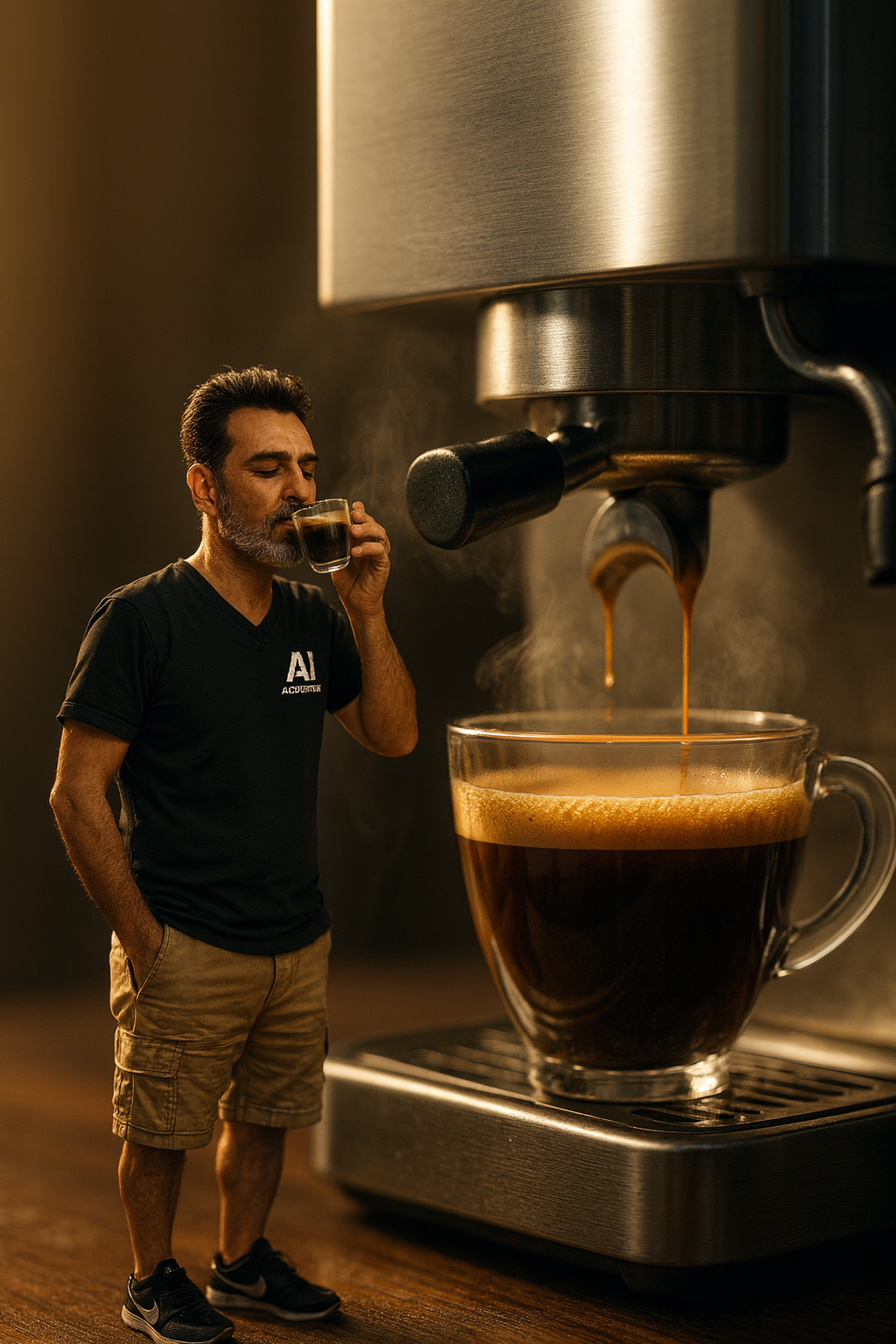
A hyper-realistic, medium-close-up, 8k resolution, slightly low-angle perspective shot, shot with a 35mm lens and shallow depth of field, shows a miniature man standing next to a full-size espresso machine. (Reference image included) The man, with short, neat black hair and a graying beard, is wearing a black V-neck T-shirt with the AI "ACADEMY" business logo. Khaki shorts and black sneakers with white soles and a white swoosh logo. His eyes are closed in satisfaction, and he holds a small, clear espresso cup to his nose, inhaling the aroma, while his left hand is tucked into his pants pocket. This creates a surreal "Photoshop logic" effect in which the man is disproportionately small next to the large, brushed metal espresso machine, which is actively pouring coffee into a large, clear glass cup filled with dark coffee and a thick layer of golden-brown crema. Steam rises both From both the large cup and the man's small espresso paddle. The scene is bathed in warm, cinematic lighting from the top left, creating soft highlights on the metal, glass and the man's features, with subtle volumetric lighting visible through the steam. The composition is highly detailed, with the main subjects in sharp focus against a warm-toned blurred background, set on a dark wooden surface. Faces rendered 100% for reference. פרומפט: הפסקת קפה מיניטורית
שאלות נפוצות
אילו כלי AI אפשר להשתמש בהם כדי ליצור את פרומפט 'הפסקת קפה מיניטורית'?
ניתן להשתמש ב-Gemini או ב-ChatGPT לצורך יצירת התמונה עם פרומפט הפסקת הקפה המיניטורית.
איזו תמונה צריך להעלות כדי להשתמש בפרומפט הזה?
יש להעלות תמונה ברורה של עצמכם, רצוי כזו שמצולמת מהחזה ומעלה.
מה השלב הראשון ביצירת פרומפט הפסקת הקפה המיניטורית?
השלב הראשון הוא לפתוח את אחד הכלים Gemini או ChatGPT ולהעלות תמונה ברורה של עצמכם.
מה עושים אחרי שמעלים את התמונה האישית לכלי ה-AI?
לאחר העלאת התמונה יש להעתיק את הפרומפט הספציפי המופיע במאמר ולהדביק אותו בכלי שנבחר.
עוד פרומפטים שיעניינו אתכם
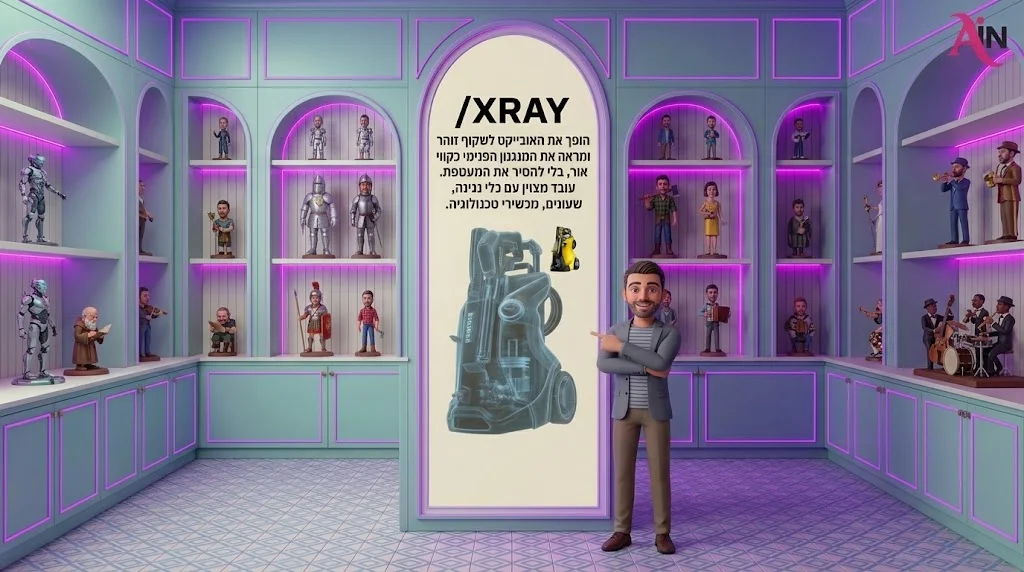
CHATGPT פקודות נסתרות: XRAY
הופך את האובייקט לשקוף זוהר ומראה את המנגנון הפנימי כקווי אור, בלי להסיר את המעטפת. עובד מצוין עם כלי נגינה, שעונים, מכשירי טכנולוגיה. טיפ: הוסיפו `blue x-ray on dark background` אם אתם רוצים את המראה הרפואי הקלאסי.
1 דק׳ קריאה
פרומפט: סרטון חשיפת לוגו קולנועי
פתיח של 6 שניות לערוץ, לאתר או למצגת: הלוגו שלכם נבנה מחלקיקי אור על רקע כהה ודרמטי.
מערכת האתר1 דק׳ קריאה
פרומפט: מאמר בלוג שמטפס בגוגל
מאמר מלא ומותאם קידום סביב מילת המפתח שלכם: מבנה כותרות נכון, שאלות נפוצות ותיאור מטא מוכן.
מערכת האתר1 דק׳ קריאה